

Hello and welcome to the first episode of “Wrenches Gadgets & Hacks” or just WGH for short!
This episode also kicks off Series 1 “Technology, Innovation, and Curiosity On and Off the Clock.” It’s all about those in AECO who love to geek out, tinker, and create – not just when they’re on the clock. They’re always diving into new ideas, exploring the latest tech, and finding ways to bring their hobbies and passion projects to life with cutting-edge tools.
Basically, we’re celebrating the folks who live and breathe AECO innovation, and who are always finding new ways to push the boundaries of what’s possible. So if you’re a nerd for all things AECO, or just love hearing about cool new tech and ideas, this is the series for you!
Brace yourself, meme lovers, because the person we’re geeking out with in this episode is none other than Dynamo superstar John Pierson!
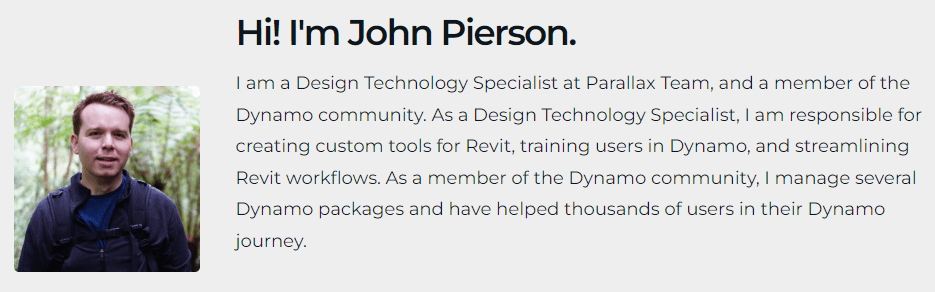
But before you start spamming the comments your favorite “surprised Pikachu” memes, let us tell you that we won’t be talking about Dynamo or Revit Add-ins. Instead, we’ll be focusing on John’s love for making things like little boats called “Benchy” magically appear out of nowhere with the power of 3D printing!
So sit back, relax, and get ready to explore the exciting world of 3D printing Wrenches, Gadgets, and Hacks style!
You can listen to the podcast, HERE, the Spotify player at the start of this post, or on your favorite podcast app. If you prefer visual content, be sure to check out the video on YouTube.
Show Notes:

Spoiler Alert
John has agreed to be our Guest Host for the rest of Series 1, and we are very excited!! 😃
- Parallax Team – Where John works
- Design Tech Unraveled – John’s Website
- Dynamo for Revit – Beginner – John’s beginner Dynamo course – 18 lessons
- Dynamo for Revit – Programming in Python – John’s Python Dynamo course – 16 lessons
- Dynamo for Revit – Coding New Nodes with C# – John’s C# Dynamo course – 32 lessons
- Monocle for Dynamo – John’s Extension for Dynamo
- Rhythm for Dynamo – One of John’s Dynamo Packages
- Creality Ender-3 V2 Neo – John’s 3D Printer (X2)

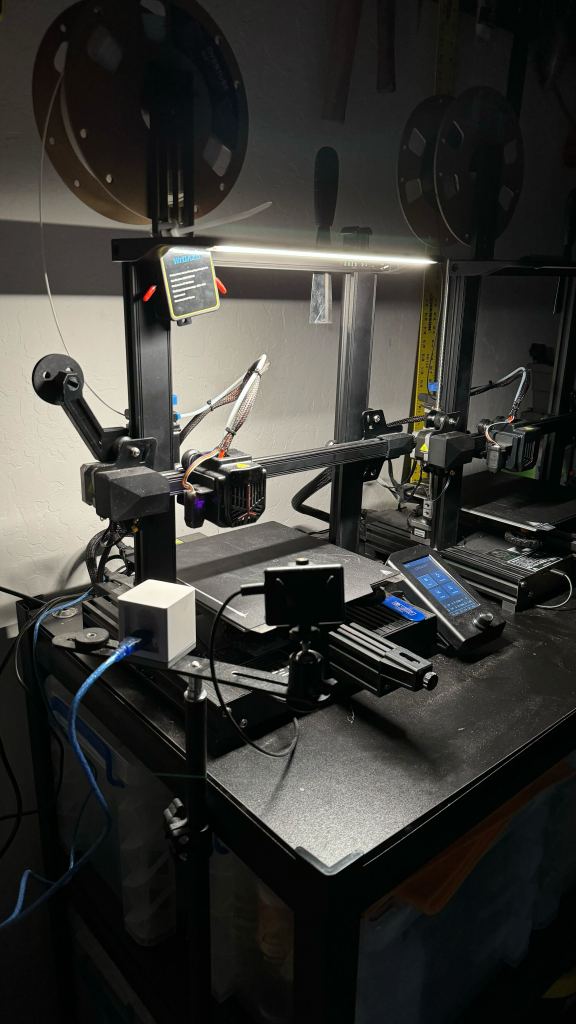
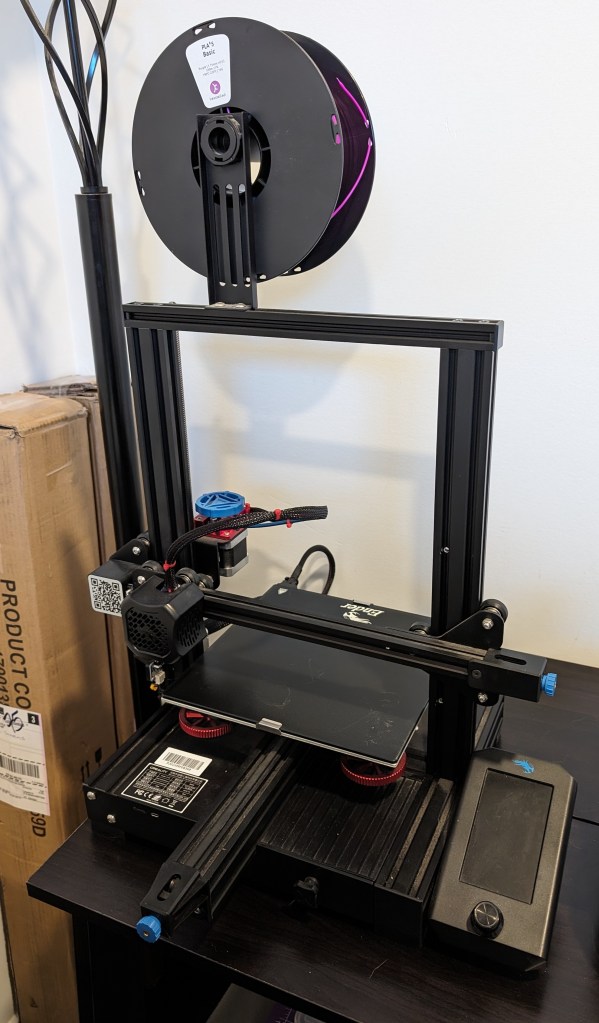
- Creality Ender-3 V2 – Carl’s 3D Printer

- OctoPrint – The snappy web interface for your 3D printer. (aka full remote control and monitoring of your 3D printer) John & Carl both use this.
- Raspberry Pi – Need to work with OctoPrint, you don’t need the latest or greatest for it to work and they can be found on Amazon, PiShop.us or PiShop.ca
- Home Assistant – John’s home automation software
- Printables – Where to find 3D Models to print
- Thingivere – The OG place to find 3D models
- Revit – Design buildings and infrastructure in 3D. Build greener projects. Transform the world.
- Dynamo – Dynamo is an open-source software platform for computational design and building information modeling (BIM).
- AutoCAD – 2D and 3D CAD drafting software
- Tinkercad – Tinkercad is a free web app for 3D design, electronics, and coding
- Autodesk Fusion for personal use – Autodesk Fusion for personal use is a limited, free version that includes basic functionality for qualifying users
- Ember 3D printer from Autodesk
- Cura Slicer (By UltiMaker)
- PrusaSlicer (By Prusa)
- How to Manually Level a 3D Printer Bed – From Tom’s Hardware Website
- CHEP Filament Friday – Great 3D printing YouTube Channel
- E-Leveler 2 – A great way to help with bed leveling
John’s 3D Printing Tweets (X’s?) 👇
You can find all of the WGH links in one place with our 👉 BIO LINK
Also a BIG Thanks to Alex Grohl for our amazing intro and outro music “Indie Hey Song (Lost Fragments)” You can find more great royalty-free music from Alex on Pixabay
If you enjoy the podcast content and wish to show your support, consider buying the show a coffee ☕👉 Buy the Show a Coffee
 Wrenches Gadgets & Hacks